

Open de Arseus Lab app
Snel en efficiënt bestellen
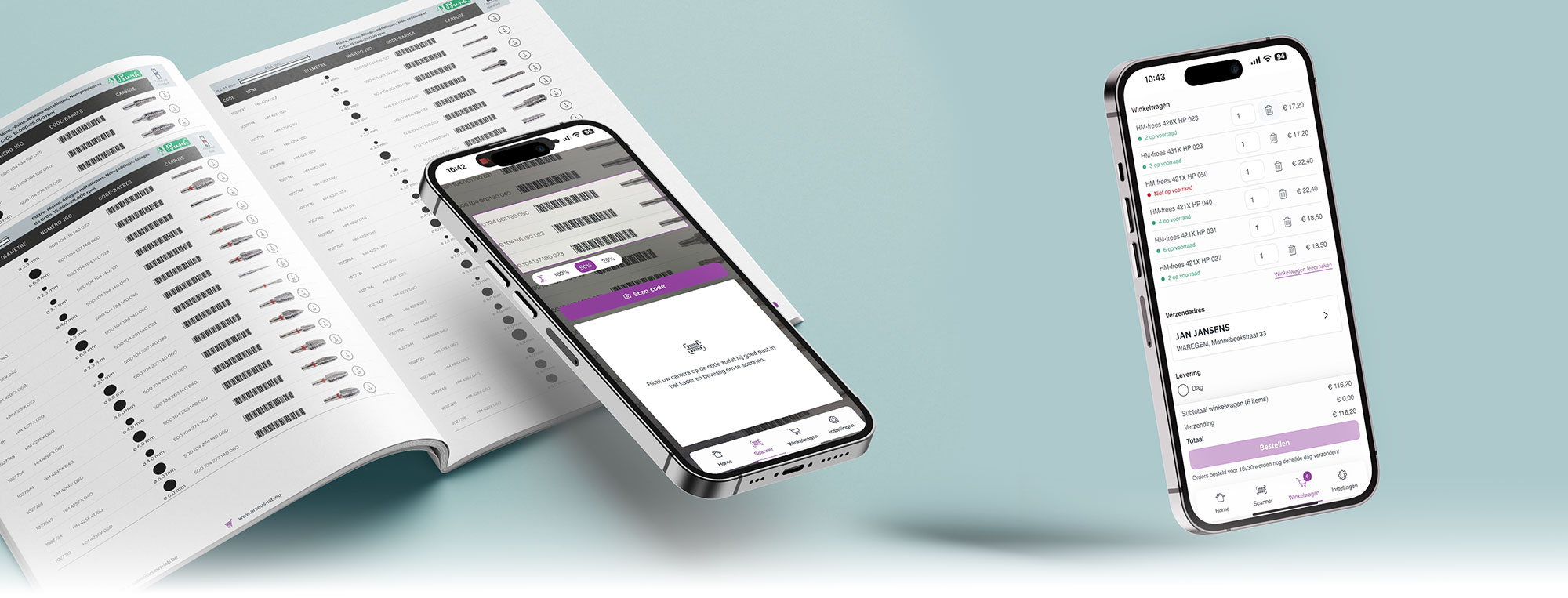
Arseus Lab App
Quick and Efficient Ordering with the Arseus Lab App
Easily scan barcodes and quickly find the right products with up-to-date prices, stock information, and clear product images for optimal recognition. Effortlessly add items to your cart and place orders in an organized way through a single user-friendly app, with constant access to your personalized assortment information.
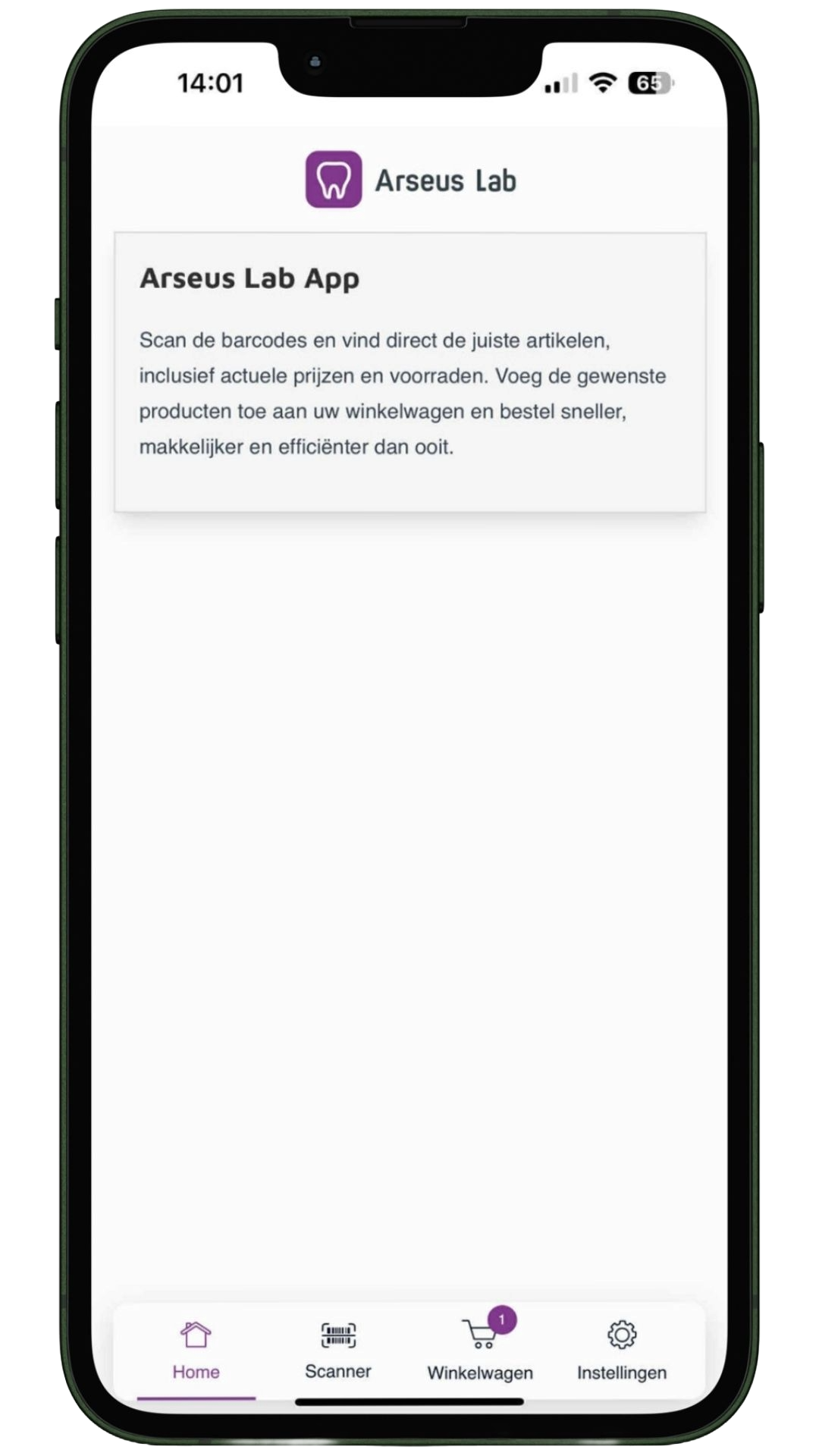
How do I install the app?
- Click on: [Barcode Scanner Web App]
- Tap the Share-icon.
- Select ‘Add to Home Screen’.
- Optionally, give the app a name and tap ‘Add’.
- The app will now appear as an icon on your home screen.


- Click on: [Barcode Scanner Web App]
- Tap ‘Add App to Home Screen’.
- The app will now appear as an icon on your home screen.

How do I place an order?
How do I scan a product?
- Set your preference for the scan area in the settings and choose the desired scan time.
- Tap the ‘Scanner’ tab in the app.
- Select ‘Allow’ to grant camera access.
- Place one or more barcodes within the scan frame.
- Tap ‘Scan code’.
- The product detail(s) appear at the bottom of the screen.
- Tap ‘Stop scanning’.
- Add the product(s) to your cart by tapping ‘Add to cart’.
How do I place an order?
- Go to the ‘Cart’ tab.
- Check that your products have been added correctly.
- Choose your shipping address and delivery options.
- Tap ‘Place order’ to confirm your order.
Need help?
 Ask your questions via the chatbox.
